
Player profile
Helmor
Helmor is an Apache-2.0 local desktop app that runs coding agents in separate git worktrees, with the conversation, diff, editor, and terminal in one window.
Profile
Where it fits
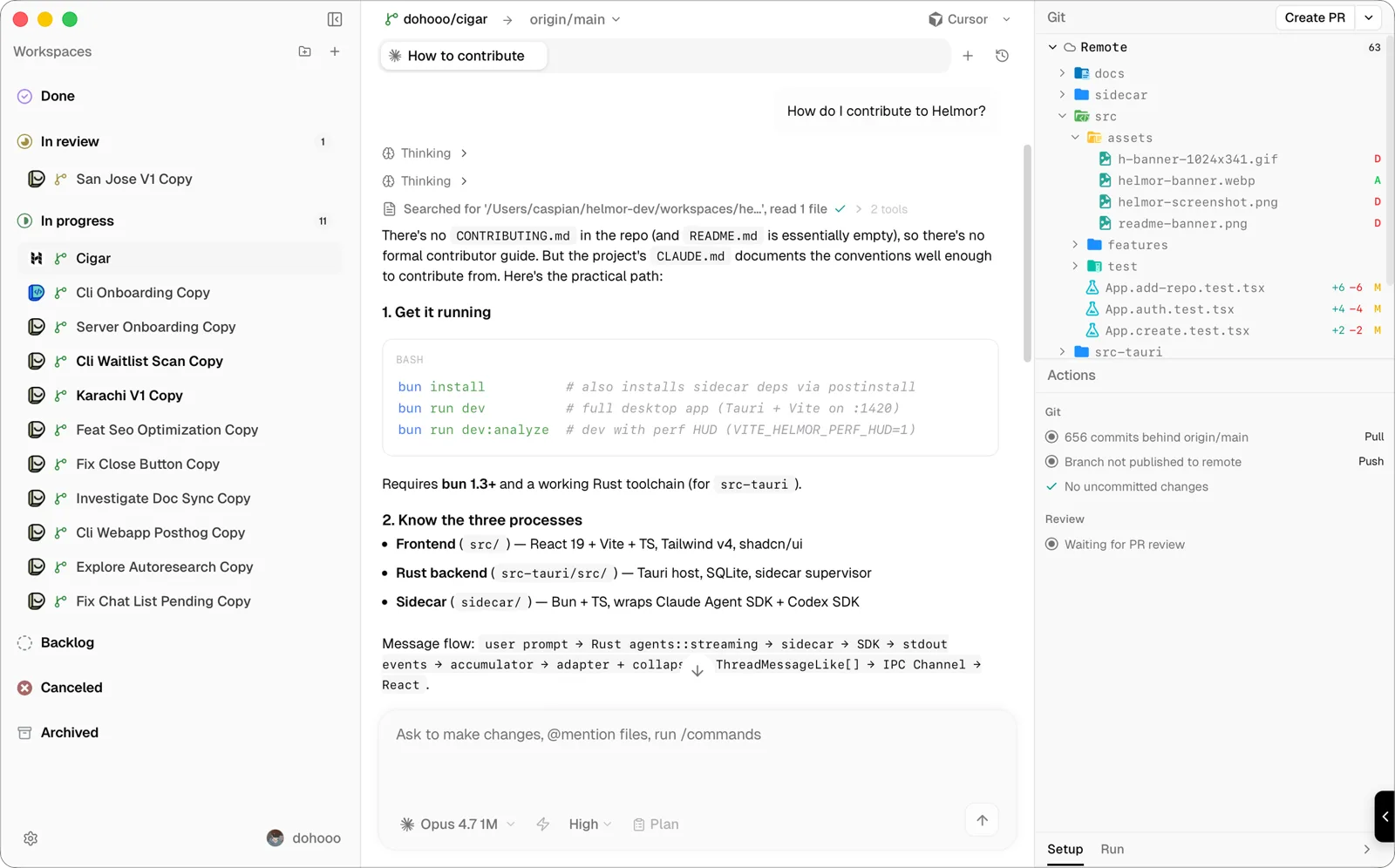
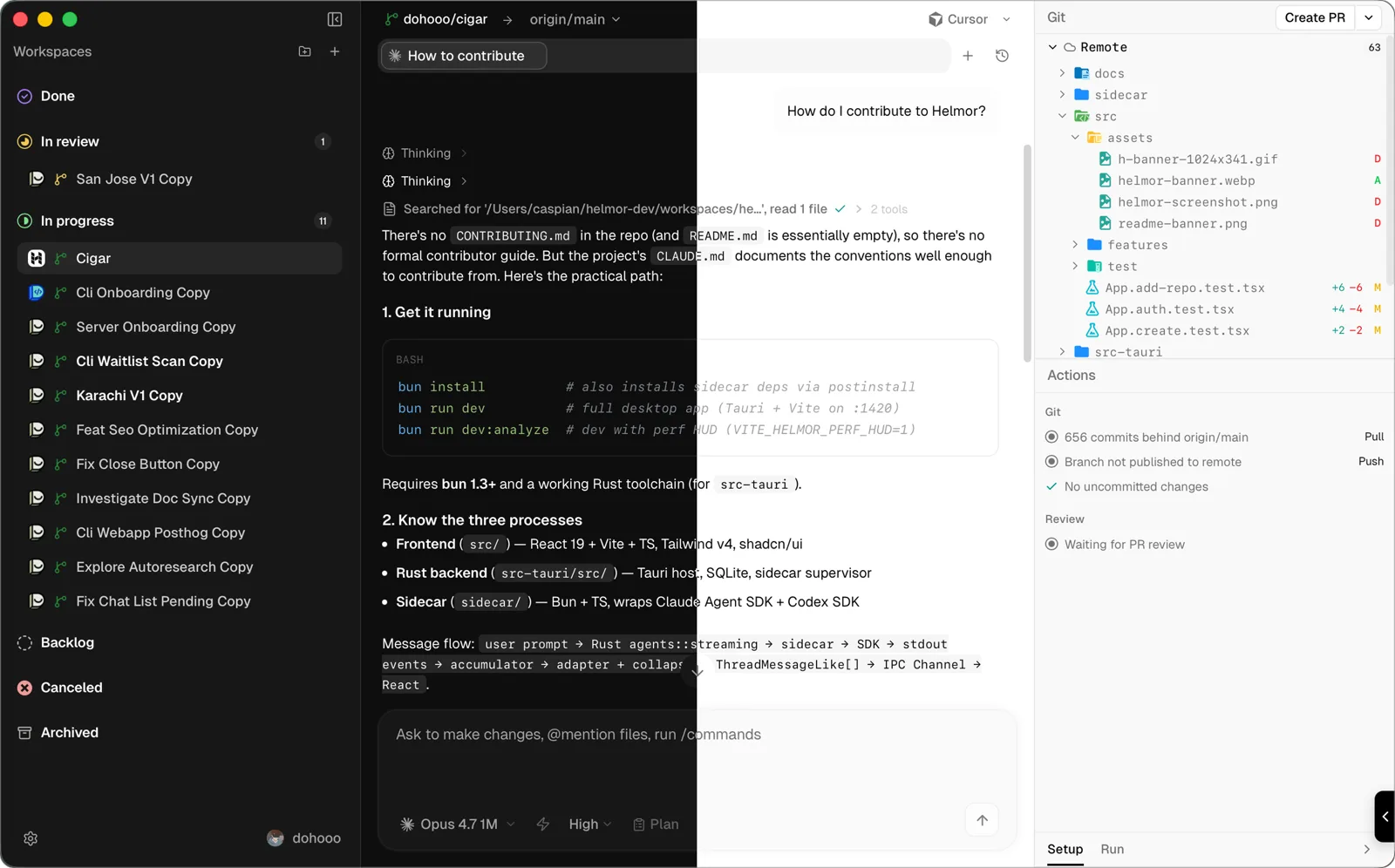
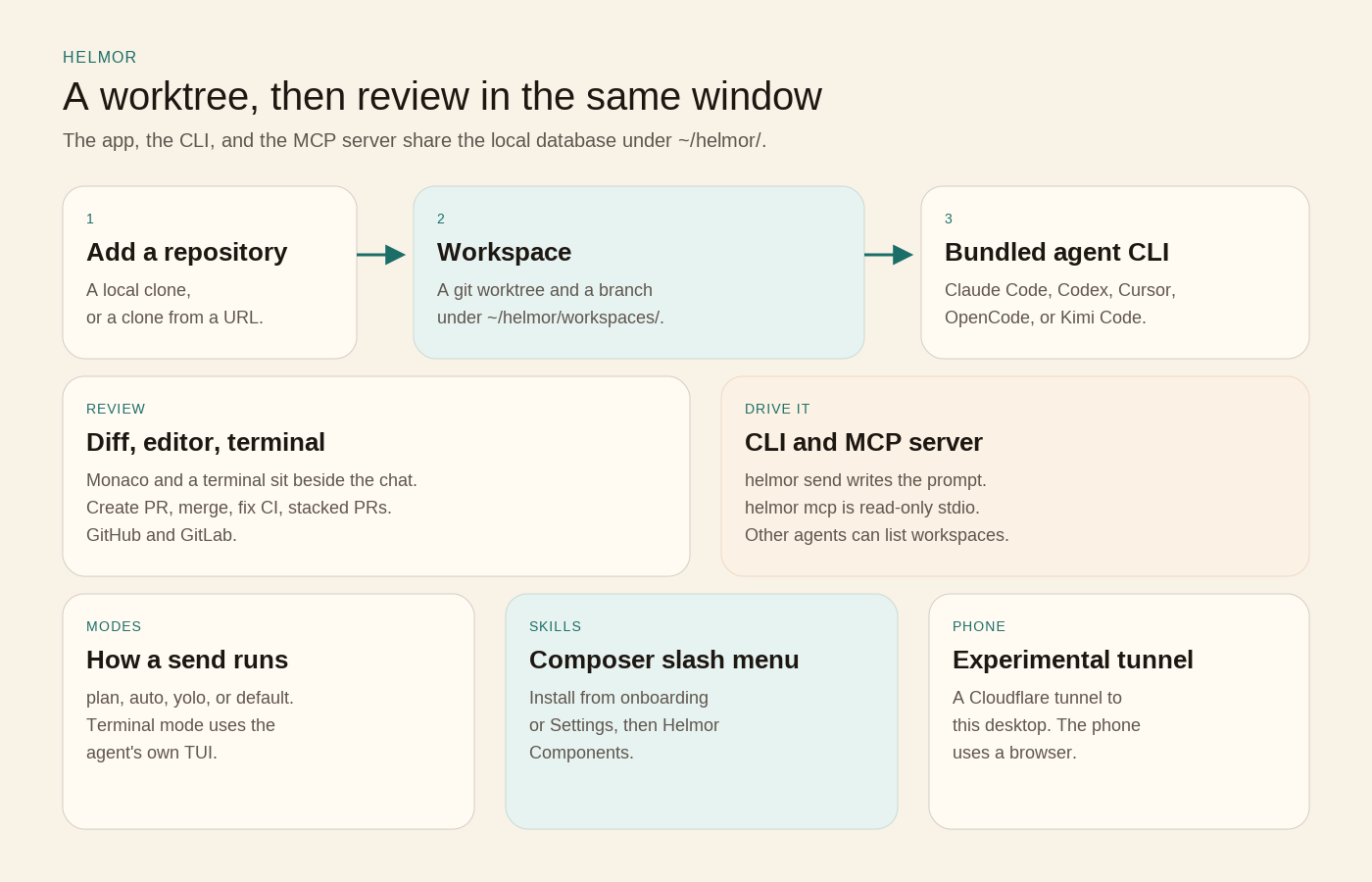
A workspace is a git worktree and branch under ~/helmor/workspaces/. The agents named in the README are Claude Code, Codex, Cursor, OpenCode, and Kimi Code. Their CLIs are bundled, and they use the person's own logins. The window shows the conversation, diffs, a Monaco editor, terminals, and a Create PR action. GitHub and GitLab are the hosts. Actions listed are create a pull request or merge request, merge, fix CI, resolve conflicts, and stacked pull requests. Terminal mode runs the agent's own text interface. The quick panel shortcut in the README is Shift-Option-Space. The published screenshot groups workspaces as Done, In review, In progress, Backlog, Canceled, and Archived. A second image is the same workspace in light and dark. The screenshot text describes three processes: a React frontend, a Tauri backend, and a sidecar around the Claude Agent SDK and the Codex SDK.
The CLI is installed from Settings, then Experimental, then Command Line Tool, and it uses the same local database as the app. Commands in the README include helmor repo add, helmor workspace new, helmor send, and helmor workspace run-action. helmor send takes a workspace and a prompt, and the reference notes modes plan, auto, yolo, and default. Every command can return JSON. helmor mcp starts a read-only stdio server for repos, workspaces, sessions, and settings. The reference example is claude mcp add helmor -- helmor mcp. That server lets another agent drive Helmor. The reference says the CLI and the app can run at the same time on one machine, and it presents helmor mcp as a server other agents call. Skills are added from onboarding or from Settings, then Helmor Components, and opened with a slash in the composer.
An experimental mobile companion uses a Cloudflare tunnel so a phone browser can start tasks. The README lists Slack and GitHub context, plan mode, and agent-driven orchestration as still on the way. The published screenshot includes a Plan control beside that list. A source checkout uses bun install and bun run dev. The license file is Apache-2.0.
From the source
What the public materials show
Builder web analytics
Measure outcomes from Helmor-run agent work
Helmor runs coding agents in local git worktrees. Separately configured product analytics can show the observed user-facing results of a change a person ships after that work.
This is an optional measurement workflow, not a native Helmor integration with Agent Analytics. Configure product tracking and authorized analytics access separately; the listing does not install tracking or report Helmor workspace activity.
First loop to measure
- Helmor prepares a change and a person reviews it before it ships
- the reviewed change is deployed to a separately instrumented project
- a human or an authorized agent reads observed product outcomes
- the team uses that evidence to choose the next task
How to install Agent Analytics on Helmor
If product tracking and analytics access are already configured, inspect the deployed change over an appropriate observation window. Report measured outcomes, missing evidence and limitations. Do not infer causation from before-and-after movement or treat Helmor workspace activity as product usage.Related