Player profile
Scion
Scion is an Apache-2.0 orchestration platform that runs coding harnesses as separate processes. Agents can delegate, message each other, and use a shared directory, a git worktree, or a clone.
Profile
Where it fits
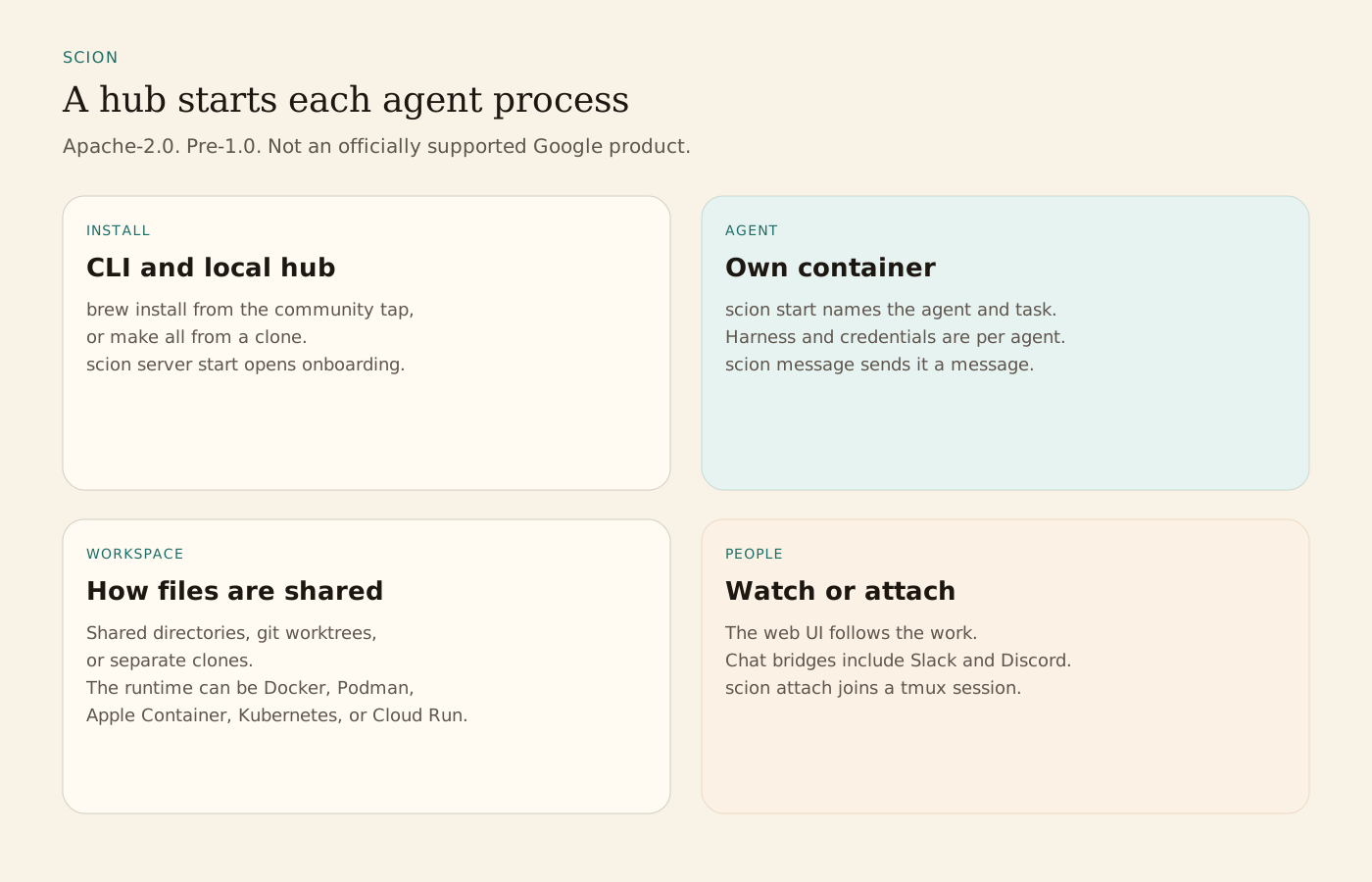
Scion runs harnesses such as Claude Code, Antigravity, Codex, and OpenCode as independent processes, each with its own configuration and credentials. The recommended install is the community Homebrew tap, brew tap homebrew-scion/scion and brew install homebrew-scion/scion/scion. That build includes the Telegram broker plugin. scion server start opens onboarding at http://127.0.0.1:8080/onboarding for runtime detection, identity, images, and the first workspace. That server is the hub every local scion command uses. scion init in a repository links the project, and scion start names an agent and a task. Building from source is make all, using the Go version in go.mod.
An agent is a worker with its own identity, usually a harness in a container. A managed agent uses a provider API instead. A project is a namespace of agents, commonly one git repository. A template is a system prompt plus skills. The runtime is Docker, Podman, Apple Container, Kubernetes, or Cloud Run. Auto-detect tries Podman, then Docker, then Apple Container on macOS, and can be overridden in .scion/settings.yaml. The hub is the control plane: the workstation server on one machine, or a hosted hub. A runtime broker provisions containers for a hub. scion list shows active agents. scion attach joins a tmux session. scion message sends a message. scion logs, stop, resume, and delete manage the agent, and delete also removes the container and worktree. The README says to add .scion/agents to .gitignore when worktrees are nested.
Workspaces share a directory, use a git worktree, or use a separate clone. Agents learn the scion CLI through skills and help text. Delegation and review are whatever the instructions and templates say. The Skill Bank versions skills and can resolve them from GitHub. An A2A bridge connects other agent systems. People follow work in the web UI or through Telegram, Discord, Slack, Google Chat, and Microsoft Teams. The README lists MCP configuration beside the CLI, APIs, hooks, and the A2A bridge.
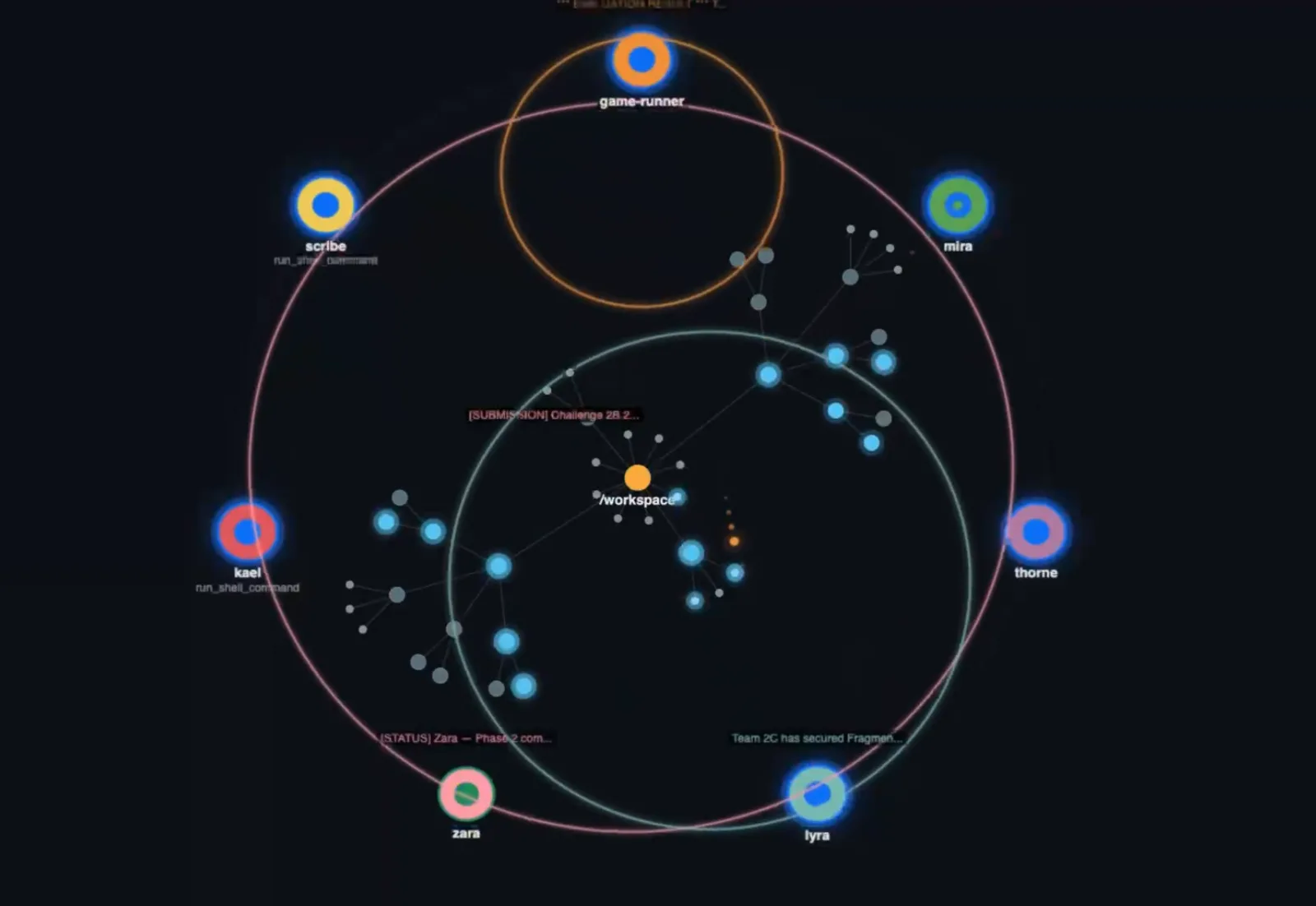
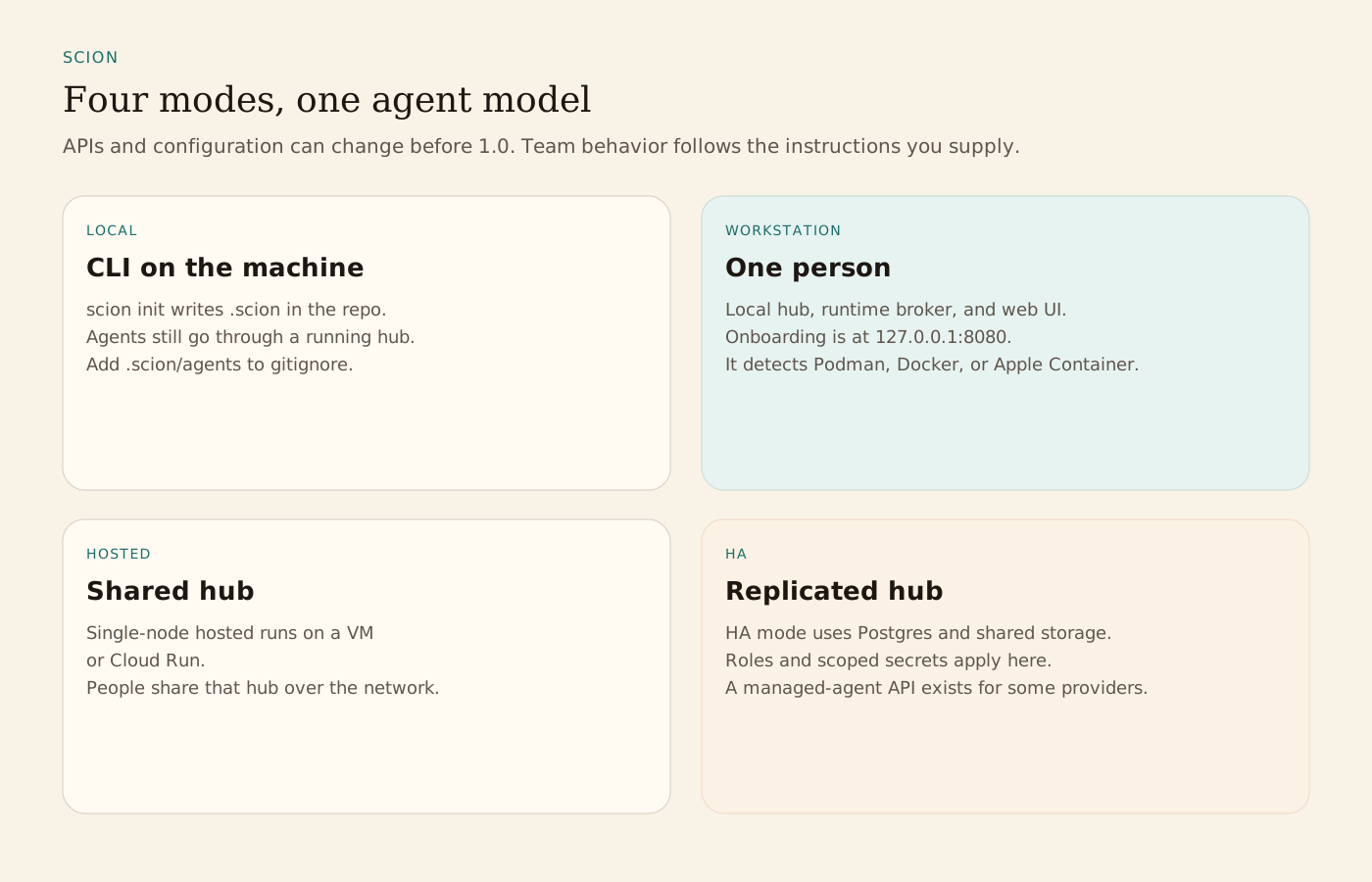
The documented modes are local CLI, a one-person workstation, a single-node hosted hub on a VM or Cloud Run, and an HA hub with Postgres and shared storage. Hosted mode adds roles, access boundaries, scoped secrets, and federated identity. Capabilities differ by mode, and the README says APIs and configuration can change before 1.0. The coordination image in the README replays messages and shared-workspace file access from the Relics of Athenaeum agent game.
From the source
What the public materials show
Builder web analytics
Measure projects built with Scion
After Scion-managed agents ship a reviewed change, separately configured analytics can help assess its user-facing outcome.
This is an optional measurement workflow, not a native Scion integration. Configure product tracking and authenticated Agent Analytics access separately; Scion's agent processes and messages are not product analytics events.
First loop to measure
- a team implements and reviews a product change
- the team deploys it to a separately instrumented surface
- an agent with separately configured analytics access reads the observed results
- the operator uses that evidence to scope the next task
How to install Agent Analytics on Scion
Use Agent Analytics for this project. If event reporting is missing, add the tracker and report events for this project surface, including deployed page, signup, activation event, or funnel step. Verify events are arriving. Then fetch the last 7 days and compare them with the prior 7 days. Tell me which deployed page, signup, activation event, or funnel step moved users toward value, where users dropped off, which sources mattered, and what my agent workflow should improve next.