
Player profile
OpenWork
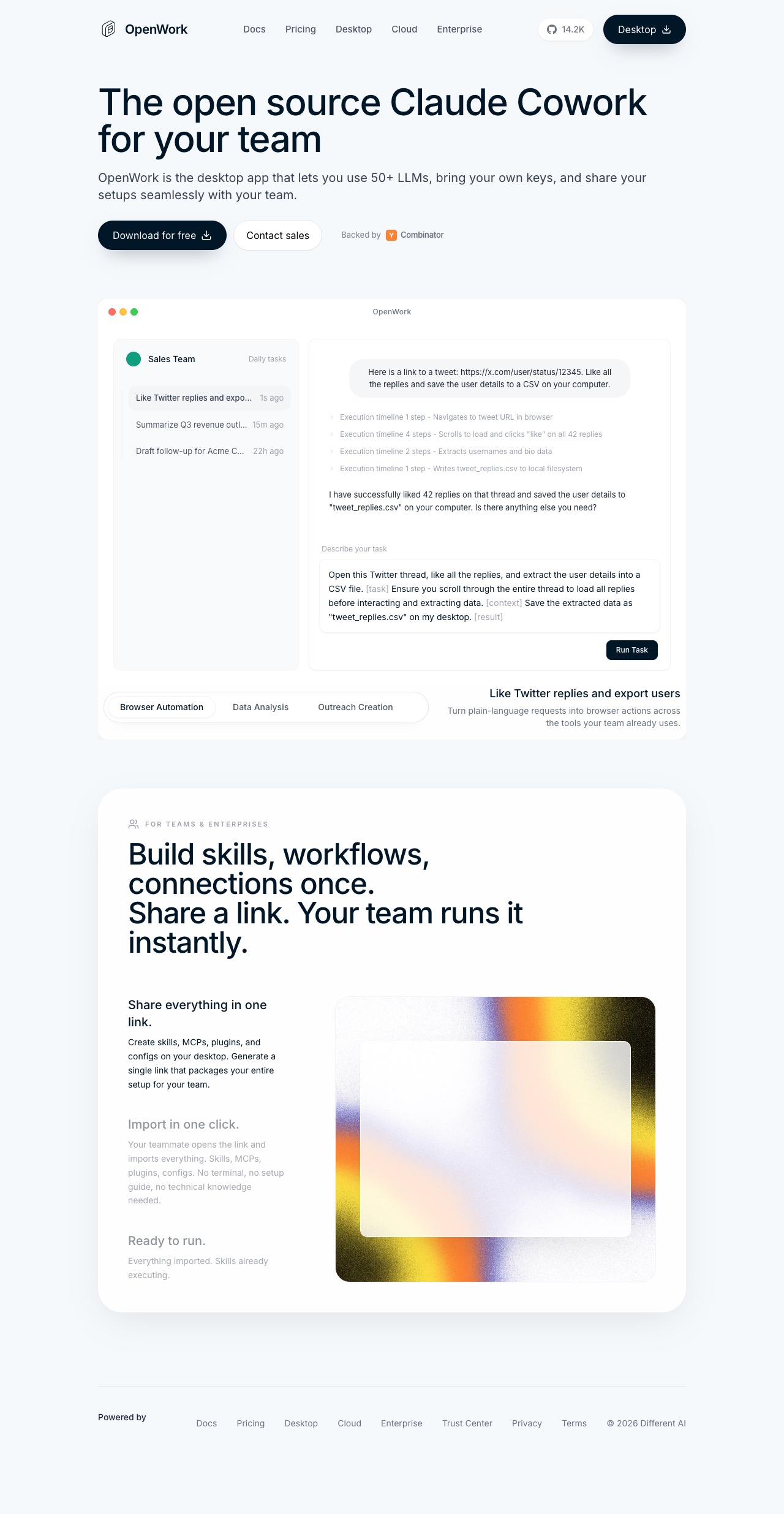
A local-first agent workspace and host layer for teams, with desktop and CLI runtimes, shareable setups, browser control, scheduled tasks, and remote operation.
Profile
Where it fits
OpenWork is a local-first, cloud-ready agent workspace for teams, built around a desktop app, a CLI host/orchestrator, shareable skills and configs, and optional remote or cloud workers.
The public repo and docs describe sessions, live streaming, permission handling, skills, MCP, plugins, browser control, scheduled automations, self-hosting, and team distribution through shared workspaces and skill hubs. The LICENSE file keeps most of the repo under MIT while reserving the /ee directory under a Fair Source license.
It belongs in Open Orchestrators because the product is not just a chat shell: it is an operating layer for running, sharing, and governing agent workflows across local machines, remote hosts, and team environments.
Builder web analytics
Measure projects built with OpenWork
OpenWork teams can share repeatable agent setups for browser tasks, outreach, reporting, and internal workflows. Agent Analytics measures whether the customer-facing pages, product paths, and docs those workflows change actually move users.
OpenWork already exposes this in the Skills UI. In OpenWork, open `Skills`, find `Install from OpenPackage`, paste `gh@agent-analytics/skills`, and click `Install`. That installs the Agent Analytics package into the current workspace; if the list does not update immediately, click `Refresh` and confirm the new skills appear under `Installed skills`. The current package installs both `agent-analytics` and `agent-analytics-autoresearch`. If you prefer OpenWork's share-link flow instead of the package installer, their `Importing an existing skill with a share URL` guide is still the fallback path.
First loop to measure
- a builder or operator uses OpenWork to run or share a browser task, scheduled workflow, onboarding change, docs update, or product experiment
- the affected website, docs path, signup flow, or app surface reports visits, sources, CTA clicks, signup, activation, retention, or task-completion events to Agent Analytics
- an OpenWork session or follow-up agent fetches the Agent Analytics results after the workflow ships
- the team updates the shared OpenWork setup from measured user behavior instead of only internal task output
Copyable prompt
Use Agent Analytics for this project. If event reporting is missing, add the tracker and report events for this project surface, including OpenWork-managed page, docs path, traffic source, CTA click, signup, activation event, retention signal, or workflow outcome. Verify events are arriving. Then fetch the last 7 days and compare them with the prior 7 days. Tell me which OpenWork-managed page, docs path, traffic source, CTA click, signup, activation event, retention signal, or workflow outcome moved users toward value, where users dropped off, which sources mattered, and what my agent workflow should improve next.Related