Player profile
LangGraph
LangGraph is an MIT-licensed Python library and runtime for long-running stateful agents. You define a graph of shared state, nodes, and edges, and you can mix ordinary code with a model call in the same graph.
Profile
Where it fits
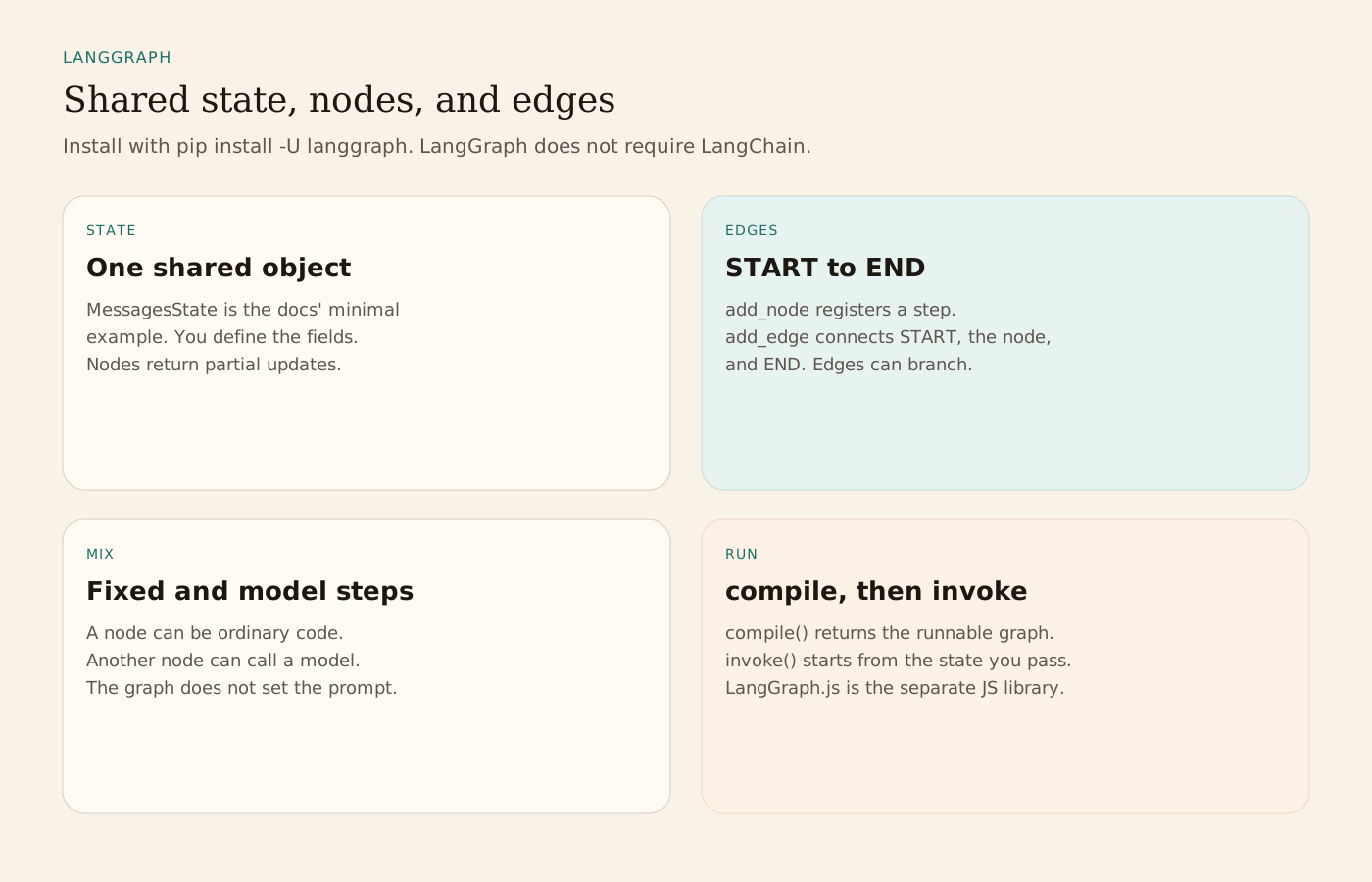
Install is pip install -U langgraph, or uv add langgraph. The overview describes LangGraph as a low-level orchestration framework and runtime. It does not set prompts or a fixed agent shape. A minimal example builds a StateGraph over MessagesState, adds one node, connects START to that node and the node to END, then calls compile and invoke. Nodes return partial updates to the shared state. An edge can branch. One node can be hand-written code and the next can call a model. Docs examples often use LangChain for models and tools. The overview says LangGraph does not require LangChain. LangGraph.js is the separate JavaScript library, with its own docs. Deep Agents is a higher-level package on top of LangGraph for planning, subagents, and filesystem tools. Use that, or LangChain agents, when you want a ready agent loop instead of the graph.
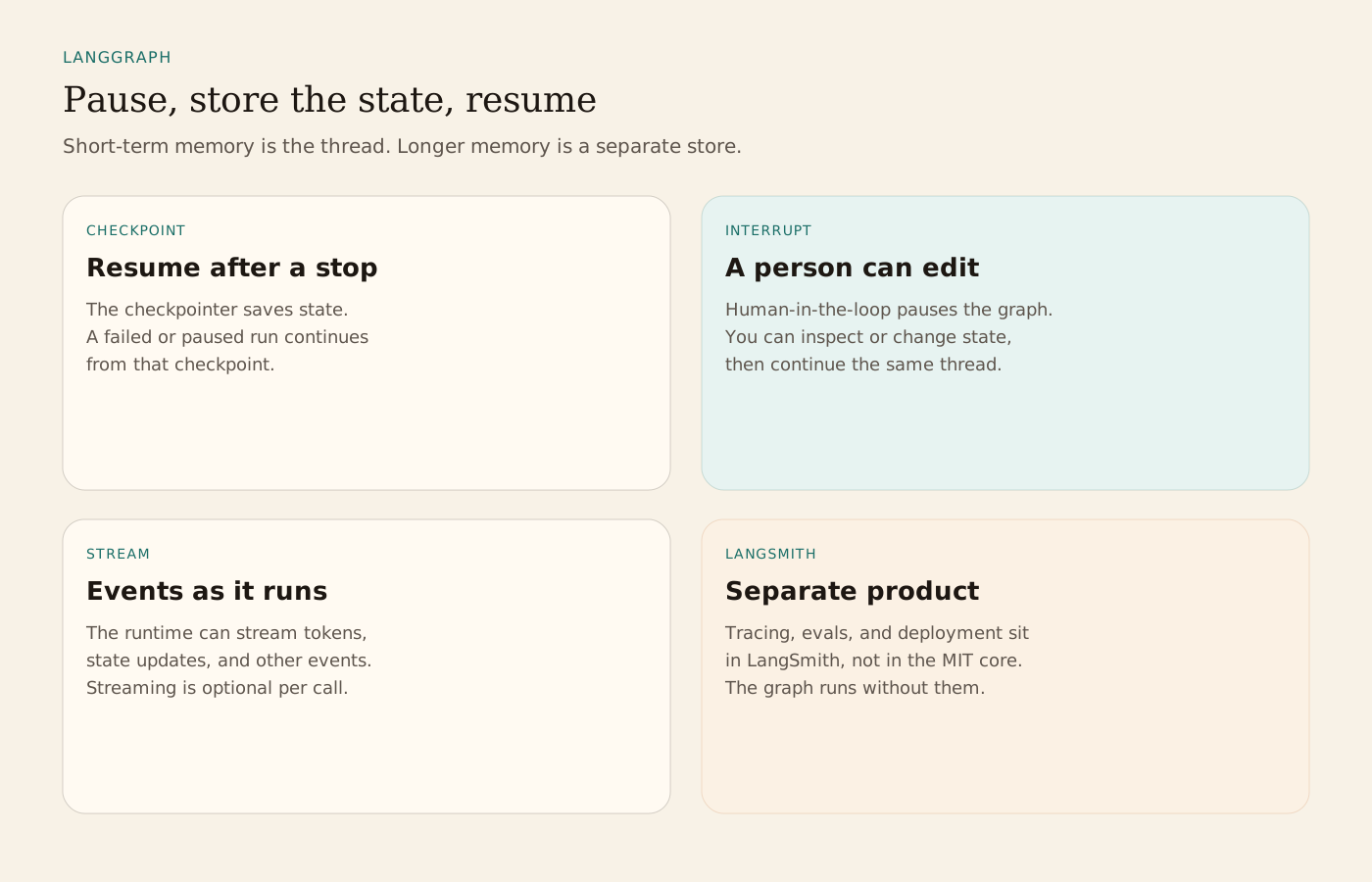
The runtime primitives the overview lists are durable execution, streaming, human-in-the-loop, and memory. A checkpointer stores state so a run can resume after a failure or a pause. Human-in-the-loop pauses execution, lets you inspect or edit state, and then continues. Short-term memory is the thread state for the current run. Longer-term memory is a store that lasts across sessions. Streaming can emit tokens, state updates, and other events while the graph runs. The public interface takes ideas from NetworkX. The project credits Pregel and Apache Beam as inspiration. LangChain Inc builds it. The core is MIT licensed and can be used without the rest of the LangChain stack.
LangSmith is the separate product for traces, evaluation, prompts, and deployment. LangSmith Agent Server deploys stateful agents, and Studio is the visual prototyping surface for that product. The graph runs without those services. LangSmith Engine can read LangGraph traces and propose a fix as a pull request. That is a LangSmith feature, not part of the MIT-licensed package.
On the same docs site, LangChain's MCPAdapter connects an agent to tools defined on MCP servers. It needs langchain[mcp] 1.4.0 or newer, and the page marks that namespace as beta. You pass the adapted tools to an agent. LangGraph's overview does not require that adapter. A graph can call whatever tools you put in a node, including tools produced that way. Persistence, interrupts, and the checkpointer remain LangGraph's own runtime, whether or not an MCP server is attached.
From the source
What the public materials show
Builder web analytics
Measure projects built with LangGraph
A LangGraph-based application can optionally use separately configured product analytics to assess outcomes beyond graph execution.
This is an optional application-level workflow, not a native LangGraph integration. Implement and authenticate any Agent Analytics tool or API access separately; product analytics does not replace graph state, checkpoints, or LangSmith traces.
First loop to measure
- developers implement and test a graph-based application
- the deployed product is separately instrumented with meaningful events
- an explicitly implemented tool or external agent queries outcomes using separately configured access
- developers use measured behavior to guide the next application change
How to install Agent Analytics on LangGraph
Use Agent Analytics for this project. If event reporting is missing, add the tracker and report events for this project surface, including application task completion, signup, activation event, or funnel step. Verify events are arriving. Then fetch the last 7 days and compare them with the prior 7 days. Tell me which application task completion, signup, activation event, or funnel step moved users toward value, where users dropped off, which sources mattered, and what my agent workflow should improve next.