
Player profile
Crewplane
A CLI-first control plane for reviewable, repeatable, and resumable coding-agent workflows in Markdown, with explicit artifact handoffs across Claude Code, Codex, Gemini CLI, Copilot CLI, and other configured commands.
Profile
Where it fits
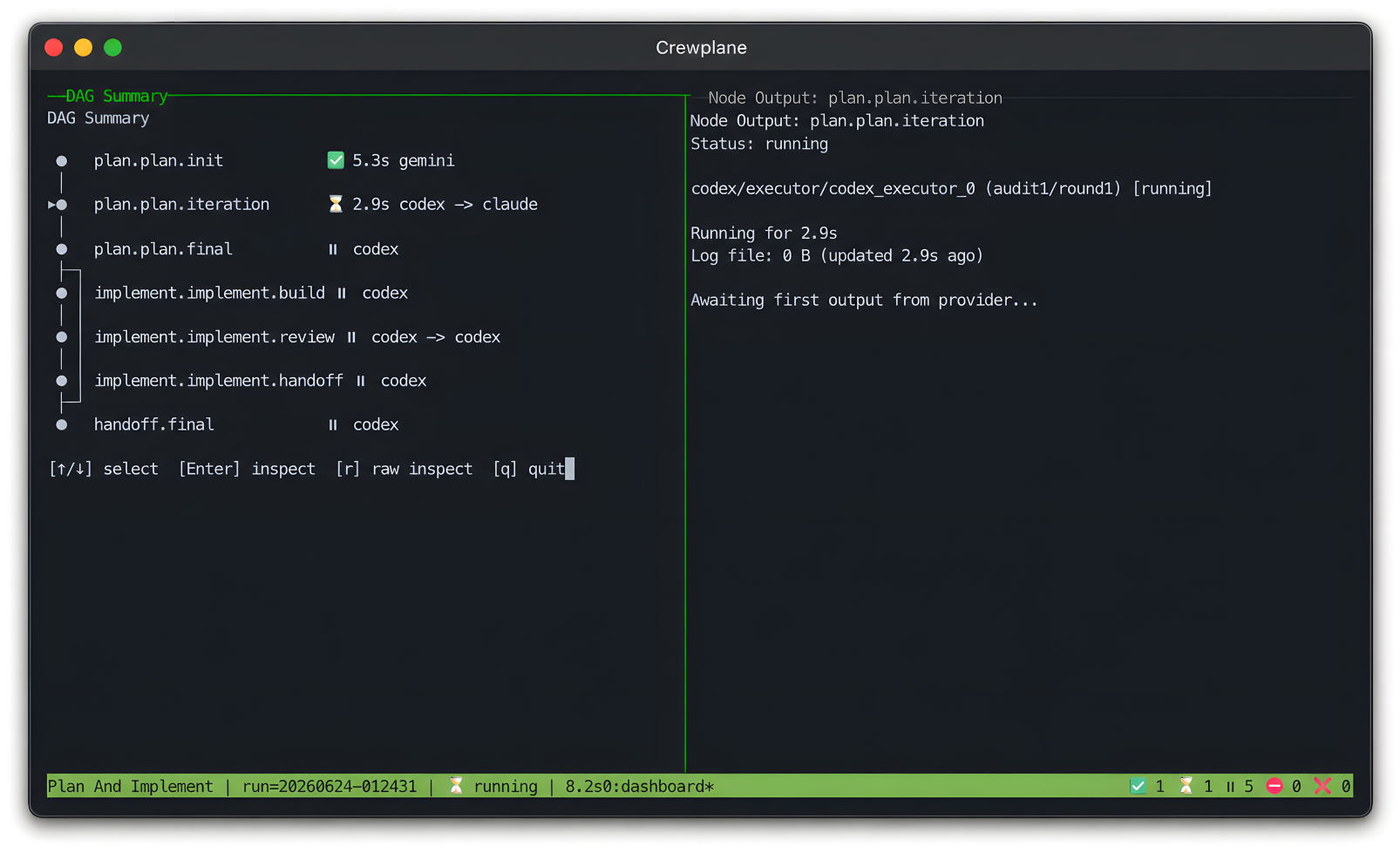
Crewplane is an Apache-2.0 command-line control plane for agent work that has grown beyond a single prompt. Workflows live beside the project as Markdown files: YAML front matter defines nodes and dependencies, and matching sections contain prompts for provider-backed nodes, so teams can version and review the process before it runs.
Preflight validates the composed DAG before execution. Ready nodes can run concurrently; a parallel node can fan out one prompt across providers, while a sequential node can run one executor or a bounded executor/reviewer remediation loop. Saved outputs and optional structured findings artifacts can move downstream through explicit references.
New projects default to deterministic mock execution, letting users validate orchestration and inspect normal run records without provider credentials, model calls, or token spend.
Crewplane invokes configured provider CLIs directly and stores compiled preflight artifacts, outputs, logs, manifests, and consolidated results under the project-local .crewplane/ directory. With the filesystem backend, it can reuse a same-signature successful result or start a new run from validated completed nodes in a failed or cancelled attempt.
Builder web analytics
Measure outcomes from Crewplane-orchestrated work
Crewplane records how an agent workflow ran. Agent Analytics can add post-deployment behavior data when the changed surface is separately instrumented and a selected provider is separately configured to access Agent Analytics.
Crewplane has no native Agent Analytics integration or special analytics node. Configure tracking and Agent Analytics authentication separately, then make the Agent Analytics skill, MCP tools, CLI, or API available in the selected provider CLI's own environment. Crewplane invokes that provider and records its response; it does not install Agent Analytics, instrument the deployed surface, or interpret the analytics. Use a changed workflow input or --force when a fresh time-window query must bypass same-signature result reuse.
First loop to measure
- a Crewplane workflow uses configured provider CLIs to produce or review a user-facing change
- after deployment, the changed surface is separately instrumented with Agent Analytics to report page views and explicitly configured product events
- an optional later parallel or sequential node asks a provider that already has Agent Analytics access to query those results, and Crewplane records the provider response as ordinary node output
- the team reviews that output and decides what, if anything, to change in a later workflow
Copyable prompt
Use Agent Analytics for this measurement only if access has already been separately configured and authenticated and tracking is installed on the deployed surface. If not, explain what is missing; do not imply that Crewplane provides the integration. Fetch the last 7 days and compare them with the prior 7 days. Report observed changes in page views, CTA clicks, signup starts, completed signups, activation events, and experiment exposures. Identify drop-offs and associations without claiming that Crewplane or a single change caused them. Return the analysis as this node's normal output.Related