Player profile
ccswarm
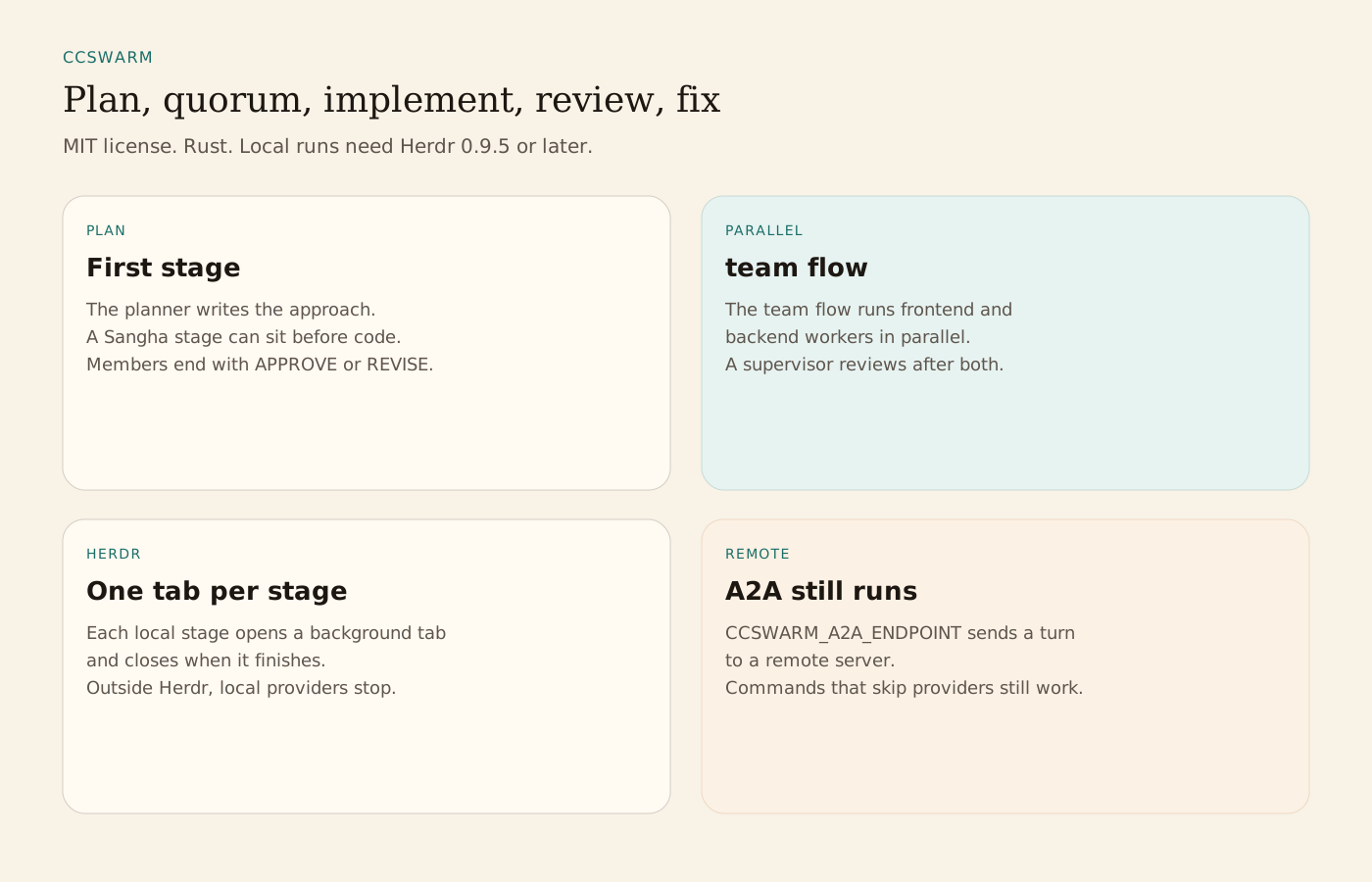
ccswarm is an MIT-licensed Rust workflow engine. Its default flow runs plan, a Sangha quorum, implementation, review, and fixes. Claude Code and Codex do the work, each local stage in its own Herdr tab.
Profile
Where it fits
ccswarm governs how a coding workflow advances. Claude Code and Codex execute the stages. The README's default flow is plan, Sangha quorum, implement, review, fix, and complete, with planner, reviewer, qa, and coder roles. The team flow runs frontend and backend workers in parallel, then a supervisor review. team-dynamic uses a leader and workers. quick is one coder pass. review-fix loops a reviewer and a coder. research investigates and reports. Custom flows are YAML files in .ccswarm/flows. ccswarm flow check validates a file. ccswarm flow render previews the prompts. A stage can request a Sangha assessment. Members are asked to end with SANGHA_DECISION=APPROVE or SANGHA_DECISION=REVISE.
Local provider runs require Herdr 0.9.5 or later. Each stage opens a background Herdr tab and closes when it finishes. Outside a Herdr pane, local providers stop. Remote A2A runs, set with CCSWARM_A2A_ENDPOINT, still work. headless is the default and runs claude -p or codex exec. live is an interactive Claude Code session. Codex stages stay headless. Install from a checkout is cargo install --path crates/ccswarm. ccswarm doctor probes Herdr and the CLIs. ccswarm pipeline --task runs one task. queue drain asks before commit and pull request. ccswarm auto --watch does those without asking.
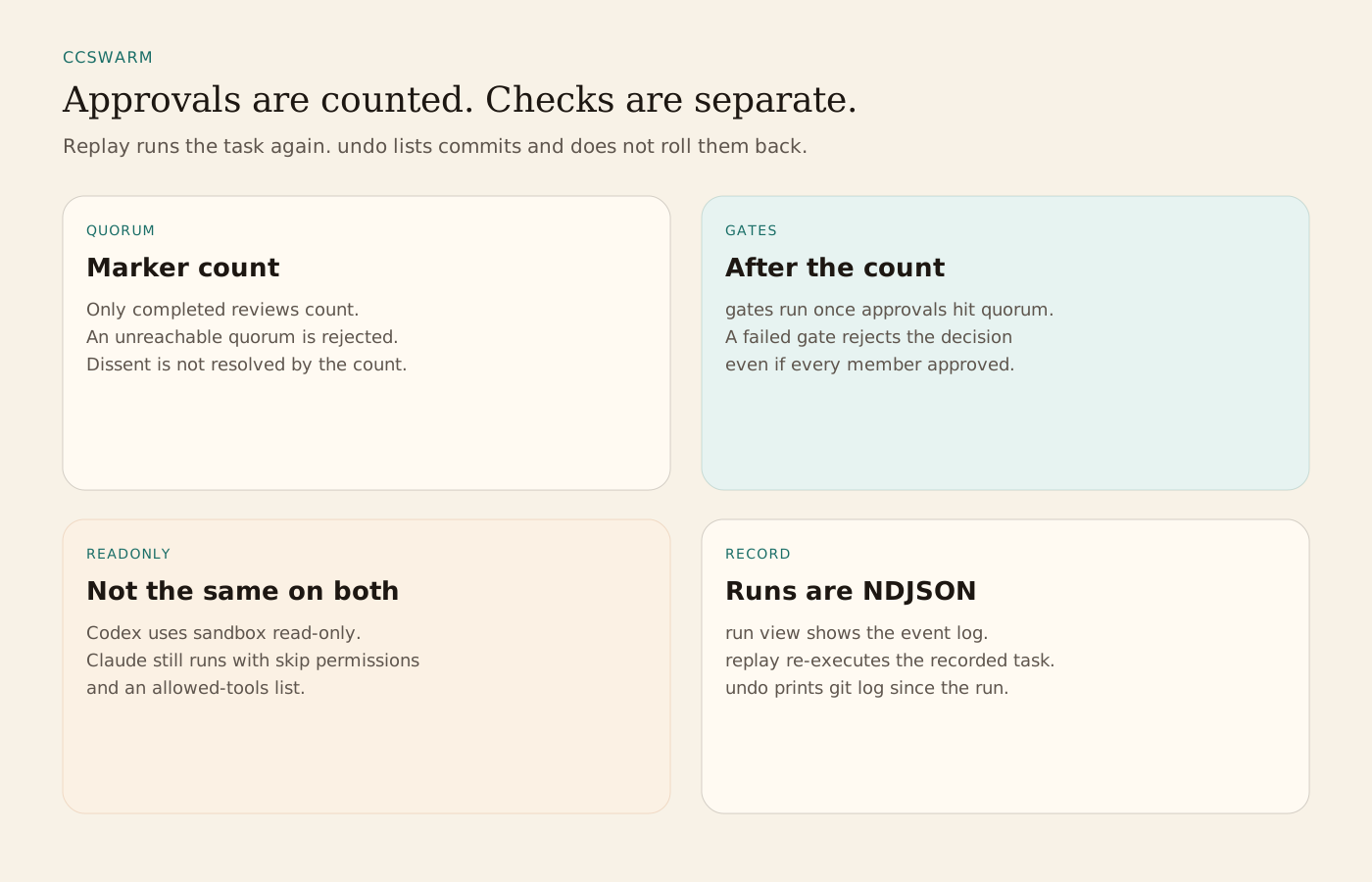
The acceptance rule counts completed reviews that emitted a successful approval and compares that number with the quorum. It rejects a quorum the members cannot reach. It does not resolve a disagreement, and it does not bind a machine check to the decision. Gates run once the count hits quorum. A failed gate rejects the decision even when every member approved. The README says evidence-bound acceptance and checkpoint recovery are the next design, not current guarantees.
readonly is a request, and the two providers enforce it differently. Codex uses codex exec --sandbox read-only even if the stage lists write tools. A rate-limit fallback from a read-only Codex stage to Claude fails instead of running writable. Claude does not enforce readonly yet. It runs with --dangerously-skip-permissions and an allowed-tools list. Copilot is unsupported for code generation because gh copilot suggest returns shell-command strings. Unknown provider names fail validation. Runs are recorded as NDJSON. ccswarm run view shows the event log, run diff compares two timelines, and cost splits a run by stage and agent. replay re-executes the recorded task. undo prints git log since the run started and does not rewrite history. auto-commit refuses a sensitive-path list that includes .env, key files, and secrets files.
From the source
What the public materials show
Builder web analytics
Measure projects built with ccswarm
Separately configured analytics can measure a deployed change after a ccswarm workflow and independent checks have finished.
This is an optional measurement workflow, not a native ccswarm integration. Configure product tracking and analytics access separately; approval markers and recorded run events do not prove product outcomes or replace required checks.
First loop to measure
- workers implement a change and reviewers assess it
- the operator runs required checks separately and deploys the reviewed result
- the instrumented product reports configured events
- an agent with separately configured analytics access reads outcomes for the next task
How to install Agent Analytics on ccswarm
Use Agent Analytics for this project. If event reporting is missing, add the tracker and report events for this project surface, including deployed page, signup, activation event, or funnel step. Verify events are arriving. Then fetch the last 7 days and compare them with the prior 7 days. Tell me which deployed page, signup, activation event, or funnel step moved users toward value, where users dropped off, which sources mattered, and what my agent workflow should improve next.